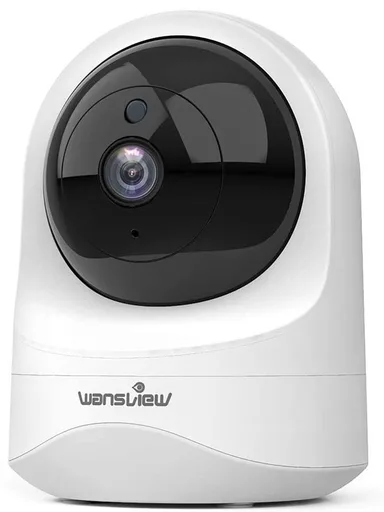
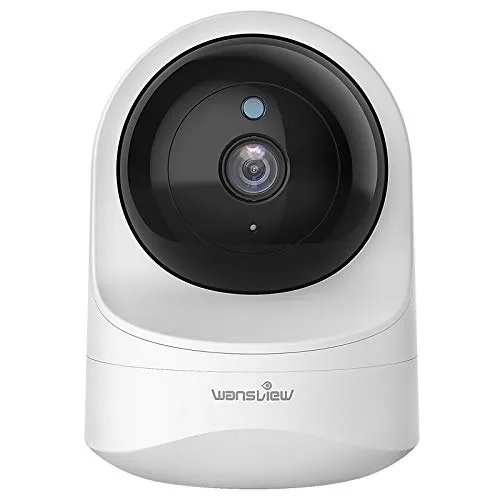
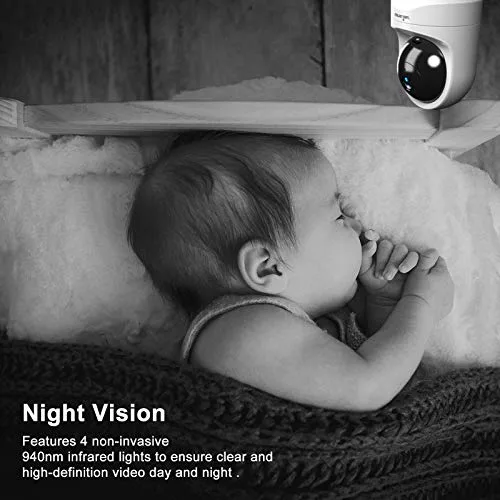
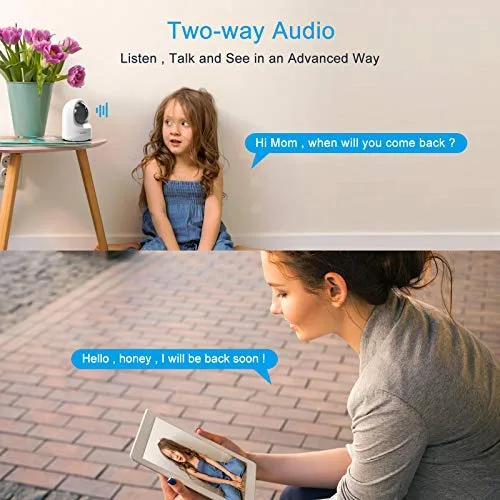
This camera works perfectly for my needs. It has good WIFI signal, clear photos and great night vision. I have this on the inside of my house. Bonus is that I can peak at my pets and talk to them. Customer service is great and very helpful. For the price is an excellent camera.
Baby Monitor Camera
Available on
This website contains affiliate links, which means we may receive a small commission when you purchase through a link at no extra cost to you.
Description
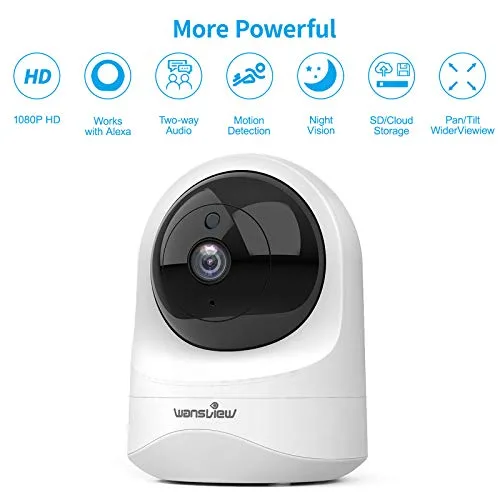
?2K HD Pet Camera?With 2K HD resolution, Wansview home camera displays crystal clear smooth live video, you can keep an eye on your home anytime anywhere. Camera works with 2.4G WiFi(5G is not supported)
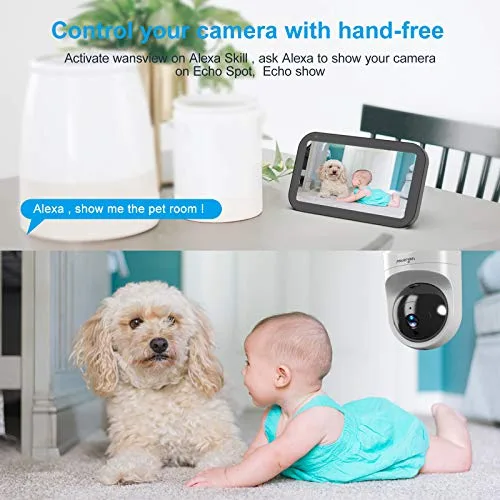
?Two-way Audio & Works with Alexa?Equipped with a built-in microphone & speaker that allows you to talk and listen to your baby. Works with Alexa, ask Alexa to show your baby room, or anywhere else you have your wansview baby camera
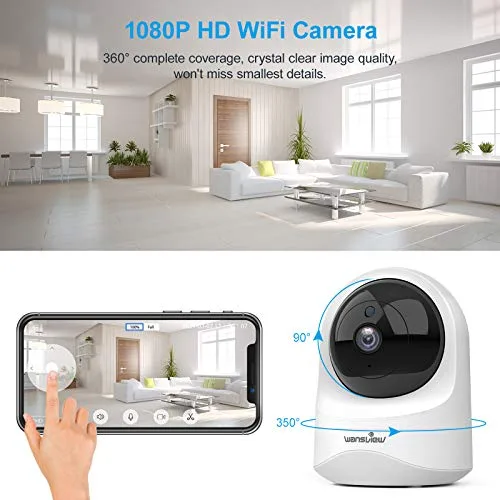
?Smart Pan/Tilt/Zoom & Crystal Night Vision?Wansview Pet Camera allows you to keep track of what you love most. Cover every angle with 350° pan, 90° tilt, 110° field of view . The non-visible infrared light doesn't emit a red glow, which lets your baby rest peacefully. Status lights can be turned off from the app
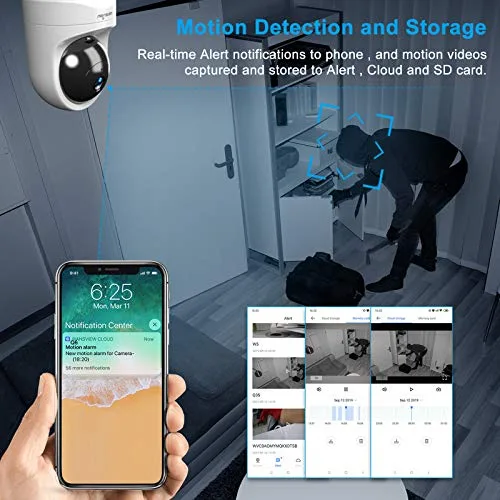
?Smart Motion Alerts?Wansview security camera would record a 10-sec video automatically when detecting motion. Real-time notifications push to your phone, just open Wansview Cloud app to check quickly what is going on
?Security?Financial Encryption Technology and the highest protection of data to ensure the security of your privacy. It supports cloud storage to avoid the risk of camera stolen or broken. You can also add a Micro SD card (up to 128GB ?for local storage. No one can access your data without your permission
User reviews6
Placed on the second floor of my condo apt. Love the clear display and timely movement alerts which are very sensitive. Movements from far away from across the yard were detected .
I have tested two different camera brands from this manufacturer, two W4 outdoor cameras and this Indoors “baby camera”. I will try to be as thorough and detailed on this camera’s functionality and application as well as how it compares to the outdoors version.First impressions after hooking it with the app were great. For the price, this sure comes with alot of features, more so than the outdoors camera. This one has PTZ functionality ( basically being able to rotate the camera thru the app), this one has a microphone so you can hear the footage, and even a loudspeaker to speak through the app! Very impressive. While I don’t have kids, I think this is a perfect camera for looking after your pets while you’re away. Perhaps your dog will probably stop gnawing the sofa if you shout at it through the camera? As far as how the camera is set up, after you plug it into power (uses a micro-USB connector similar to a phone charger) it starts rotating and pairing it is a breeze. It comes with a mountable base you can use to hang the camera somewhere, but be advised, the included anchors are bad, so get your own hardware if you plan on mounting it.Using the app is straightforward, and comes with many useful features: whether you want it to record motion detection, sensitivity to motion, scheduled recording, and a bunch of many other features. You can even hook up the camera to, say, watch it through your PC or any device that allows to connect to an RTSP stream/IP camera, so you can watch it directly on a big screen if you wanted to. It works, and even allows you to stream standard quality video or HD.To those wondering about the cloud subscription service, I would describe it this way: if all you care about is keeping an eye at brief motion that happens on the camera (about 10 second clips on average), you don’t need the subscription. I’ve been able to get whatever footage I needed to see this way so far, just the brief moments of action. The clips are stored for about a week’s time. However, if you want to be able to backtrack at any time of the day, ie. constant recording into the cloud, then the subscription is for you. This camera, unlike the outdoors one, also comes with an SD card slot, which I haven’t tried but is a nice option to have. Sharing the camera to other viewers is also straightforward, the other party will only be able to view the stream and recordings but not change any settings.Judging from the camera’s increased functionality over the outdoors version, I was starting to think maybe this one would be a better fit for outdoors surveillance. However, upon trying the camera for a while, I would not recommend it. What the outdoors camera lacks in functionality, it compensates with durability. This camera is more delicate and would probably not tolerate an outdoors ambient well, it also does not come with an external antenna, so this is best left as a room surveillance camera.There are only a few minor complaints I have so far. First, you can’t sign in with the same account on multiple devices, so I had to create a second account to circumvent this just to be able to see the cameras on my iPad as well. The other minor complaint is that while I would like the camera to record as much as possible, there is no way to turn off the notifications from within the app. They can become too many and you will have to silence them from your phone’s setting. The reason I would like for there to be an option to enable recording while disabling a specific camera’s notifications is, for example, because I would like my living room camera to notify me of movement, but not my front entrance camera which has a lot of activity. Other than that, this camera is incredibly sophisticated for the price and wouldn’t be surprised if they raise the price eventually since they claim to be a young company. If you’re looking for affordable yet functional this is what you want to get.
The media could not be loaded. This is a small camera meant for indoor use only. It is not waterproof, nor was it meant to be. Its primary function is to monitor a baby in its room from a remote location within the house. It also can be used to keep an eye on pets that may be moving from one location or another within the home, or just for an indoor security camera positioned in a non obvious location . It’s powered by a small 12 volt power pack that plugs into a standard 120VAC outlet. It can stand on its own base or be mounted on a wall or even ceiling with the included mounting bracket.This Q6 Baby camera measures about 3” in diameter, and about 4” high. The body of the camera is white plastic, which feels quite sturdy. The unique thing about this camera is that you, the owner can move the camera lens up, down, left and right remotely with an app from Wansview that can be downloaded for use with Apple or Android phones from their respective cell phone app providers.This camera cannot and will not operate on 5GHz WiFi. It can only work on 2.4GHz WiFi which also provides the longest range for cameras of this type, including surveillance cameras, and is the most available WiFi band anywhere.It has been observed by many people, myself included, that the use of some WiFi cameras often have problems connecting to WiFi in their homes. I can happily say that this camera is NOT one of those cameras. There are usually 2 reasons that connection problems occur. One is that they are too far away from their modem/gateway/router/cable modem, whichever they have. Simply put, the further away you are from the camera itself, the poorer the signal will be, and the more difficult it will be to connect or maintain connection. Everyone has to deal with this. And there are remedies to fix this. The 2nd reason that connection problems can occur are that some cameras have problems when it comes to re-connecting to WiFi. If there is a power outage, the camera goes offline, and when it comes back on the camera may not re-connect without the owners help.Ok. Poor signal – the camera is too far away from the router’s WiFi signal. The fix: get an inexpensive WiFi extender that operates on 2.4GHz, and they all do. Most also include 5GHz as well, even if the camera doesn’t use it, your cell phone can. That should take care of that.The 2nd problem, the camera has difficulty re-connecting. This Q6 Baby Camera doesn’t seem to have that as a problem, period. To check that, I deliberately pulled power from the camera both locally (at the end of the camera’s power cord), and remotely by tripping the circuit breaker. In both cases, I disconnected and then momentarily reconnected power just the way it often happens when the power goes out in multiple homes in an area. I then left it off for a while to see what happens when the power came back on. In both cases, the Q6 reconnected without a problem. This was also verified by looking at the connection LED that flashes Red and Blue and then goes solid Blue showing it has reconnected and is back online. It must be remembered, that IF the power does go out in a home, the router will also likely go out as well, so there will be a delay in the camera reconnecting until the router has fully rebooted itself. This is totally normal, because if there is no WiFi signal, (router is off or rebooting), then the camera has to wait until WiFi returns. But this camera reconnected each and every time without any problem whatsoever. I have not covered the initial WiFi setup connection because it is so easy. Just follow the instructions in the booklet that comes with the Q6 Baby Camera, and you will have no trouble unless it’s one of the above conditions I mentioned in the 2 previous paragraphs.The camera has a low light capability, which is essentially invisible to the eye, so a baby will not be kept up by light in the room. But the IR illumination in the room was adequate monitoring purposes. The camera also has two-way talk capability (which can be found in the app under Advanced Settings). I think the quality of the audio coming out of the camera is a bit better when the sensitivity is set for about half way rather than all the way up. This way, your voice coming out of the back of the camera is not distorted, especially if you talk too loud into the microphone on your cell phone.Picture quality can be switched between SD (Standard Definition) and HD (High Definition). SD is acceptable for “average” viewing, but HD (1080p) is much sharper in general, and I do like it best. The camera also has a very neat PTZ (Pan – Tilt – Zoom) feature, in that you, using your cell phone can rotate the camera lens left and right and up and down at will. Another thing this camera can do is to store up to 4 preset camera image positions (where you want the camera to point to) so you don’t have to use the PTZ to position the camera to a specific spot each time. There is also a 4X digital zoom that can also be used on any image you are looking at. The PTZ has a very slight delay, but works very well, and the zoom will allow you blow up the image at place in the image. It’s a great feature. I love it.If you have an Amazon Echo Show, you can set it up to show you the image from the Baby cam just by asking Alexa to show it to you. And it really works. Kind of a fun thing if you feel a bit lazy. Aren’t we all sometimes?The app provides for alerts if motion is detected and can be sent to you on your cell phone for your review. The camera has a slot for an SD card, up to 128GB to store images recorded from the alerts, which can be seen at any time. Each alert recorded is only a 10 second clip and is also recorded and stored in the cloud which is available through Wansview’s paid service.There is also an app (program) for both PC’s and Mac’s that you can load to view the Baby camera live and any videos recorded by the camera. Sensibly, Wansview allows up to 4 people to all view the camera’s images all at the same time using their cell phones or computers. I had an occasion to contact Wansview tech support and found them very knowledgeable and responsive to a few questions I had about their cameras. If for any reason you were to have any problems, contact them. I think you will be surprised how good they were. I was.All in all, it’s a pretty neat camera and for the low price, you can’t really go wrong, whether it’s to monitor a baby or keep tabs on a pet, or just for having in the house in some unobtrusive spot as a security camera.
I got this to monitor my baby girl a couple of months after she was born in 2020. It's been running ever since.I like that I can access it from anywhere in the world, so it helps to monitor the house now that my baby girl is a toddler and is almost never in the room anymore.I set it on the ceiling in upside down position. The camera is configured to turn the image right side up and this applies also to the controls, so that if I need to point the camera to another direction, left is still left, and up is still up.If you buy more cameras from the same brand, you can view them all within the same app.The image quality is very good even when viewing from outside the home network, like on a mobile data or office wifi.The night vision is also very good and activates automatically when there is no or very little light in the room.
I bought this camera about 1.5 years ago to watch my puppy while I was not at home. It was great for that purpose, I love that the camera can scan and is not just looking in on direction. I no longer have the dog and after months of no use, I wanted to set it up to use in the garage for in-garage deliveries. I couldn't get it to reset and contacted support. They were great in providing support on a product, long outside of warranty.